
Use case · Livestream · San Francisco
Livestream from a broadcast room.
Our livestream studio sends you live to YouTube or LinkedIn while your engineer switches cameras next door. You stay in the conversation, the room runs the show.
Both sets in our North Beach studio are livestream ready, and a dedicated broadcast room lets your engineer live-switch three 4K cameras straight to YouTube, LinkedIn, or your platform. Studio time is $450 per hour with a 1-hour minimum, engineer included, with livestream switching available as an add-on. You go live from 50 Francisco St and still leave the same day with raw 4K and separated audio on your drive.
Room 03
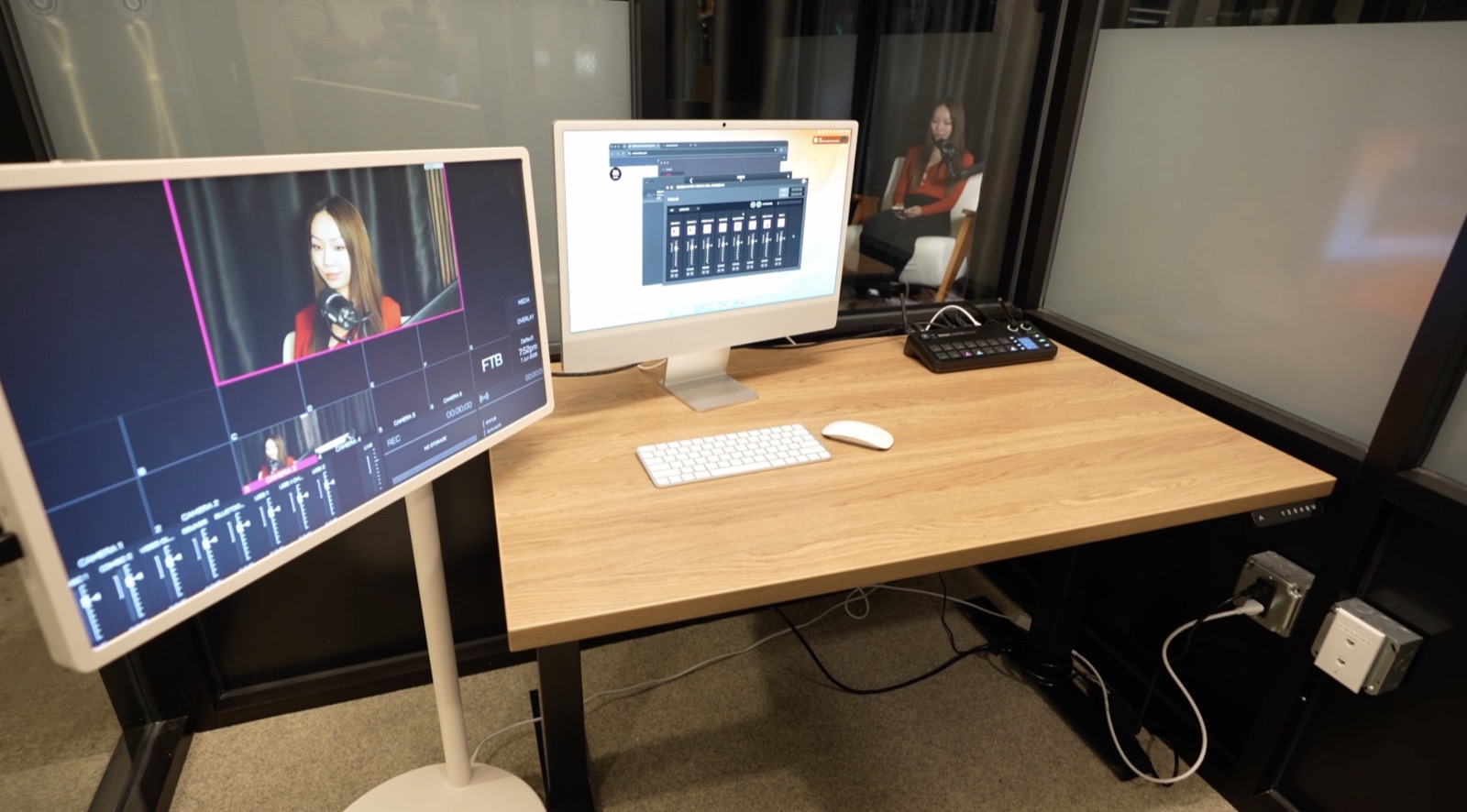
The control room behind your stream.
Live while you talk
Switched next door, streamed to your platform.
The broadcast room sits beside the recording areas. Your engineer runs the RØDECaster Video switcher, cuts between the wide shot and close-ups in real time, balances audio, and pushes the program feed to your platform. On set, you just host.
- Live multi-cam switching while you stream
- Stream to YouTube, LinkedIn, or your platform
- Remote guests dialed into the room
- Broadcast clock and stopwatch keep segments on time
Streaming from a laptop leaves one person juggling the chat, the camera, and the encoder while trying to host. In our studio those jobs split cleanly: you hold the conversation, your engineer holds the broadcast. Remote panelists join through the broadcast room feed, the same workflow described on our remote guest recording page, so a hybrid live show runs with the same rhythm as an in-room one.
Both sets stream. The round table suits live interviews and panels, and the teleprompter set suits scripted launches and webinars, with your slides on the large display. The exact camera, mic, and switcher list is on the equipment and tech specs page.
Run of show
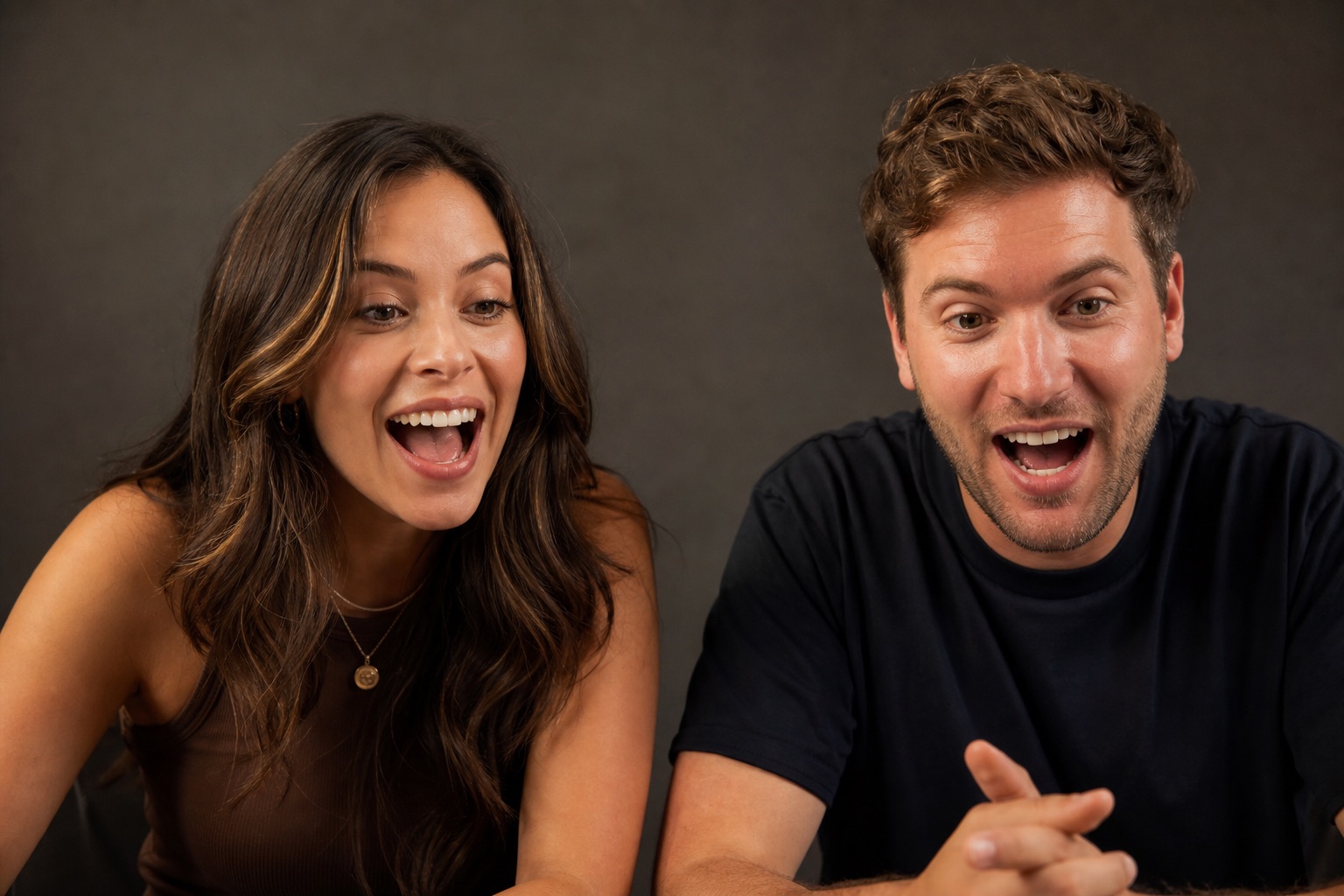
Rehearse, go live, keep the tape.
Rehearse the run of show
You and your engineer walk the segments before going live: camera looks, guest dial-ins, lower-third moments, and timing on the broadcast clock. Surprises get found here instead of on air.
Go live
The engineer starts the stream to your platform and switches the show in real time from the broadcast room. The stopwatch keeps every segment landing on schedule.
Leave with the recording
The stream ends and the session files go onto your drive: raw 4K and separated audio, the same day. Your live show becomes an episode, and one hour of tape can feed a month of clips.
After the stream, the recording works as a regular episode: video podcast recording covers the multi-cam format, and the Podcast Package at $2,000 per episode turns the tape into a published cut with a 1-minute intro and 3 social clips. Every rate is on the studio pricing page.
FAQ
Livestream studio questions, answered.
Anything else: call or text (415) 488-6220, or write to hey@bayhauscreative.com.
Which platforms can we stream to?+
YouTube, LinkedIn, or your own platform. Your engineer pushes the live-switched program feed straight from the broadcast room.
Who runs the stream while we host?+
Your engineer. Camera switching, audio balance, guest dial-ins, and the stream itself are all handled from the broadcast room while you stay on set.
Can remote guests join the live show?+
Yes. Remote guests are dialed into the broadcast room and folded into the live feed, while in-room speakers keep their own mics and tracks.
Do we get a recording of the livestream?+
Yes. Raw 4K and separated audio tracks go onto your drive the same day, so the live show doubles as an episode you can edit and republish.
How much does a livestream session cost?+
Studio time is $450 per hour with a 1-hour minimum, engineer included. Livestream switching is an add-on, so tell us your platform and run of show when you book.
Take your show live this month.
An engineer on the switcher, a broadcast room on your side. $450 per hour.
or call/text (415) 488-6220