Multicam or a single camera? One camera is plenty for some shows, three change pacing, retention, and edit speed. Here is when each setup wins, with the real costs.
Multicam or a single camera comes down to this. A single camera suits solo shows and scripted talking heads: lowest cost, simplest edit. Three cameras suit conversations: cutting between angles creates rhythm, catches reactions, and gives the editor an escape hatch on every flubbed moment. Live switching removes the extra edit time that multicam used to cost. The honest rule: match cameras to the number of people talking.
Multicam vs single camera: what each setup is
Single camera: one locked wide or medium shot covering everyone, or a solo host framed straight on. One file, one angle, one look for the whole episode. Owned outright, a capable rig costs $600 to $2,000 with a decent lens and light.
Multicam:a multiple-camera setup gives a wide shot plus a close-up per speaker. For an interview show that means three cameras: host close, guest close, and the two-shot. Every moment now has coverage, and the edit becomes a series of choices instead of a single locked frame. Owning that setup runs $3,000 to $8,000 before you solve sync, media management, and a switcher.
That ownership math is why most SF creators rent the multicam version. Full-service rooms with three cameras and an engineer run $300 to $500 per hour in the city; the full breakdown is in our guide to podcast studio rental cost in San Francisco.
Factor
Single camera
Three cameras, live-switched
Gear cost to own
$600 to $2,000
$3,000 to $8,000 plus a switcher
Cost to rent in SF
$40 to $150/hr self-serve
$300 to $500/hr with engineer · $450/hr here
Edit time per hour of tape
2 to 3 hours
Under 1 hour when switched live
Pacing on screen
One angle, static feel
A cut every 5 to 15 seconds, broadcast rhythm
Reaction shots
Missed
Captured on the listener's camera
Cover for mistakes
Jump cut or leave it in
Cut to any other angle
Livestream ready
Single fixed frame
Switched live to your platform
Best for
Solo shows, scripted pieces
Interviews, panels, co-hosted shows
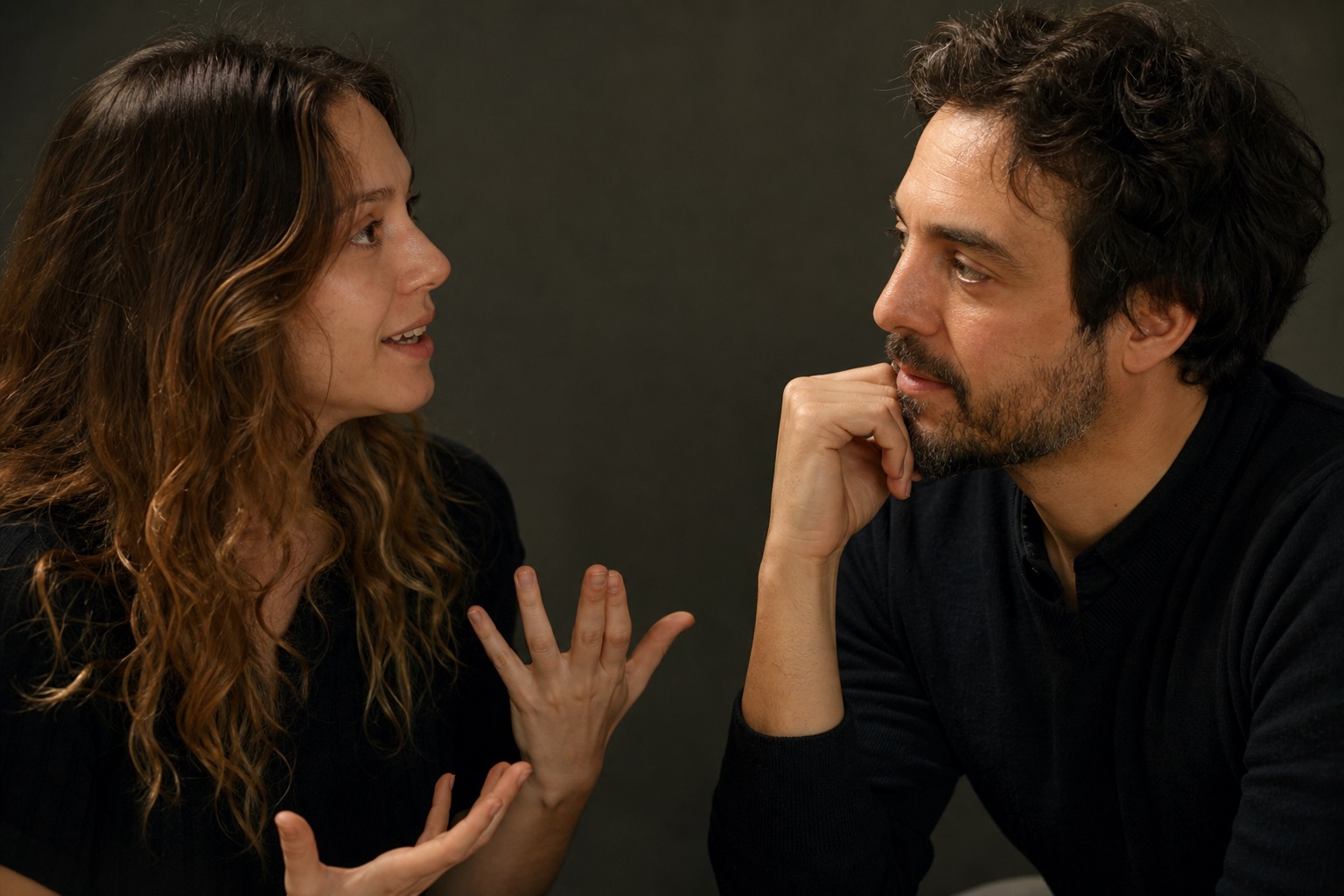
Three angles on one conversation
When a single camera beats multicam
Plainly: solo scripted content, tight budgets, and audio-first shows that treat video as a bonus. A solo host reading to one well-framed camera with a teleprompter looks intentional, and a second angle of the same face adds little. Course lessons and explainer videos live happily on one camera; our own course set runs camera 4 alone on the lens line for exactly this reason. If that describes your show, save the money and spend it on editing.
When three cameras win
The moment two people talk, coverage becomes the product. Viewers read conversations through faces, and the listener's face is often the more interesting one. Retention data across our clients' shows tells the same story: episodes cut between angles hold viewers noticeably longer than locked-frame versions of the same conversation, because every cut is a small reset for the eye. Multicam also rescues real conversations: guests ramble, hosts talk over answers, someone glances at notes. With three angles the editor cuts around all of it invisibly. With one angle every flaw ships.
Live switching vs fixing it in post
Traditional multicam moved the cost from the shoot to the edit: three files, sync, and hours of angle choices. Live switching moves it back. In our broadcast room the engineer cuts between all three cameras during the take on the RØDECaster Video, following the conversation in real time. You leave with a switched master that is already paced, plus the isolated angles for moments worth revisiting. That is how a 60 minute video podcast episode gets edited in an afternoon instead of a week, and why the switched feed can stream straight to YouTube or LinkedIn while you record.
What we run, and why.
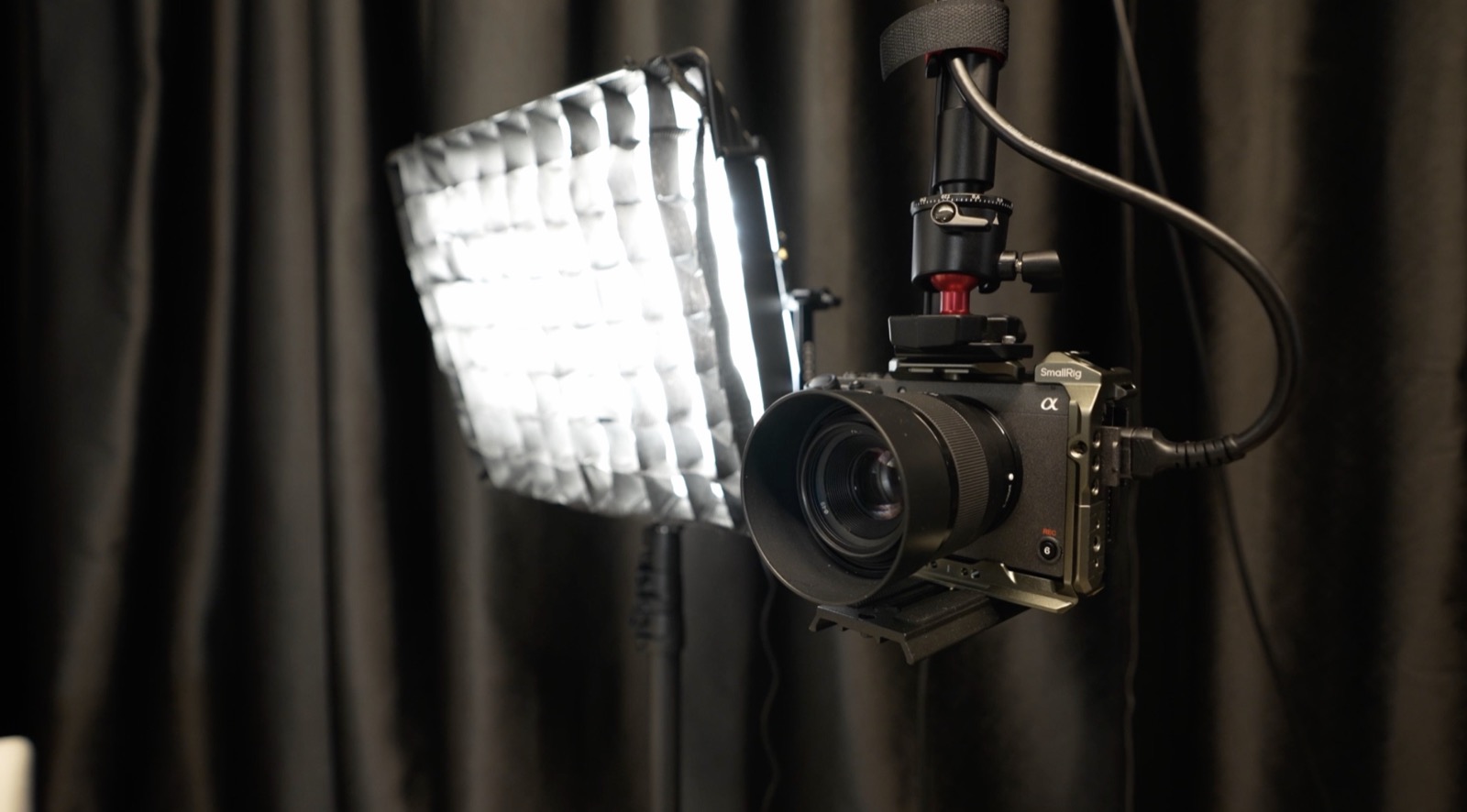
CamerasSony A7IV · Sony FX30 matched 4K color across all three angles
SwitchingRØDECaster Video live cuts during the take
AudioShure broadcast mics separated track per mic, angles stay in sync
DeliverySwitched master + iso angles raw 4K on your drive, same day
One of three angles, always framed
The full equipment list, camera by camera, lives on our equipment and tech specs page. The short version: three matched 4K cameras arc the podcast table, and the engineer switching them is included in the $450 per hour rate.
Camera FAQ
Questions about coverage.
Is one camera enough for a podcast?+
For a solo show or a scripted talking head, yes. One well-framed camera with good light and a teleprompter looks intentional. Once two or more people are on screen, added angles start paying for themselves in pacing and reaction shots.
How many cameras do you use for a podcast?+
Three on the podcast set: a close-up on the host, a close-up on the guest side, and the wide two-shot. All three are live-switched from the broadcast room, and camera 4 covers the course set separately.
Does multicam make editing harder?+
Switched live, it makes editing faster. The engineer cuts between angles during the take, so you leave with a paced master plus isolated angles. Editing a live-switched hour typically takes under an hour, versus 2 to 3 hours for a single-camera edit of the same length.
Does multicam help with short clips?+
Substantially. Reaction shots and angle changes give vertical clips their rhythm, and a 4K close-up crops cleanly to 9:16. Clips cut from multicam footage simply have more moves available.