BayHaus Creative logo PODCAST VIDEO STUDIOSAN FRANCISCO Book Your Session

Guide · host playbook

How to prep a guest for a video podcast.

Comfortable guests give great tape. How to prep a guest for a video podcast: the prep email, the wardrobe notes, the arrival flow, and the first five minutes on set.

You prep a guest for a video podcast before the session begins: a short prep email five days out, plain wardrobe guidance, and an arrival flow that settles your guest before the first real question. In our studio the engineer handles mics, framing, and levels while you handle rapport, and we roll cameras during the warm-up chat because the best unguarded moments often happen there.

Prep a guest for a video podcast: the email, five days out

One email, under 200 words, sent five days before the session. Long guest briefs go unread; short ones get followed. Ours contains exactly five things:

  • The angle. One sentence on what the episode is about and why this guest specifically. It focuses their thinking without scripting them.
  • Three anchor questions. The spine of the conversation, minus the follow-ups. Guests who see every question rehearse; guests who see three prepare.
  • Logistics in one block. Address, floor, parking, arrival time, total time commitment. For our studio: 50 Francisco St, 3rd Floor, arrive 15 minutes early, out in 90 minutes.
  • Wardrobe guidance. Two lines, covered below.
  • What they get. The publish date and the clips you will send them to share. Guests promote episodes they were promised assets from.
"We record on video with three cameras and a full engineer, so there is zero tech on your side. Show up, sit down, talk."

That sentence, or something like it, belongs in every prep email. Guests quietly worry about the technical side more than the questions; showing them how a video podcast comes together settles it fast. Pointing them to what a studio session includes answers the worry before it forms.

Wardrobe and glasses, in two lines

The full costume note fits in two lines of the email: solid mid-tone colors work best on camera, and skip fine stripes, small checks, and busy logos. Fine patterns moire on a 4K sensor, pure white blows out, and logos date the footage.

Glasses are fine. Lens glare is a lighting problem, and your engineer adjusts key light angles during the mic check to kill reflections. Tell bespectacled guests exactly that; several of ours have shown up in contacts they hate because a previous studio burned them.
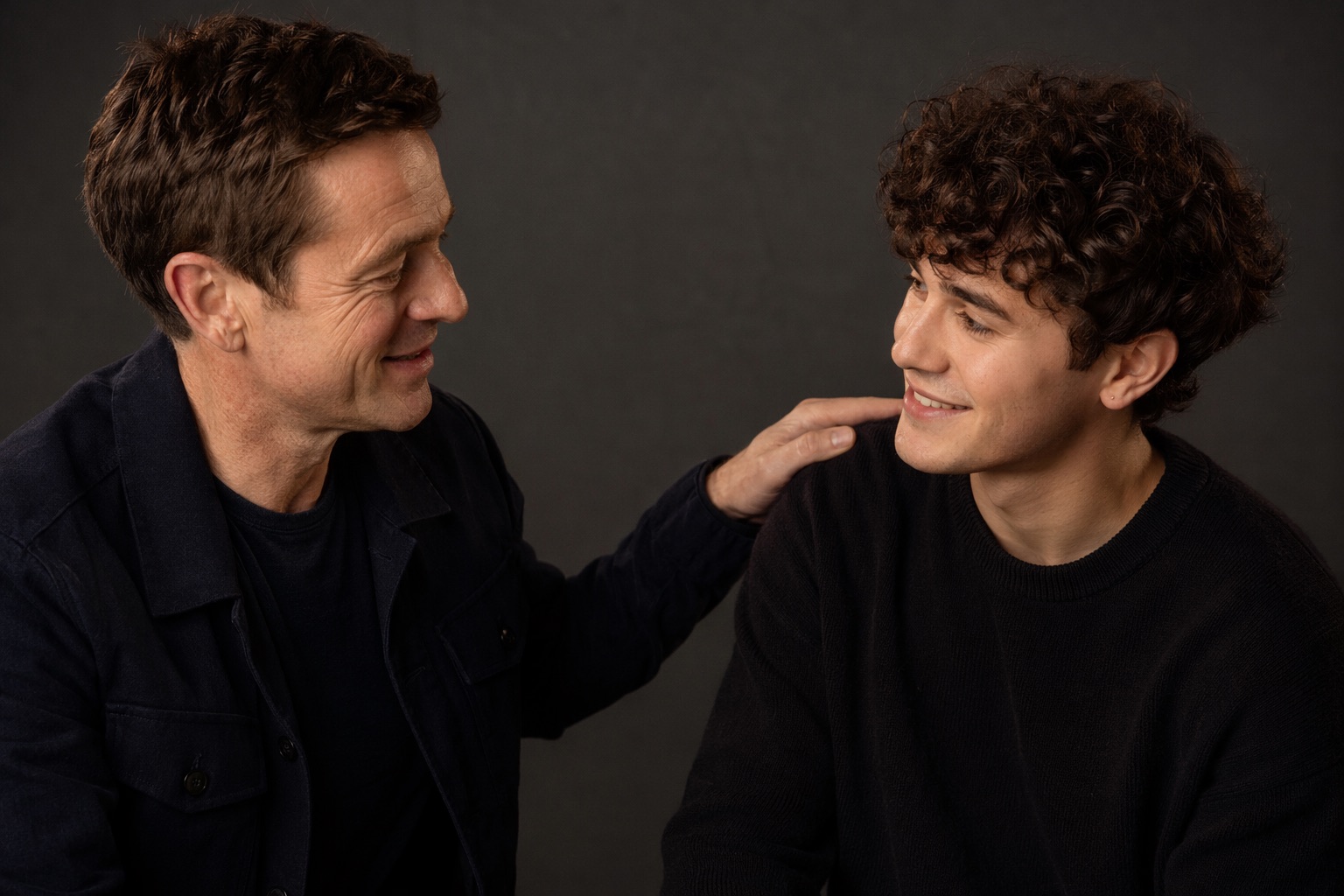
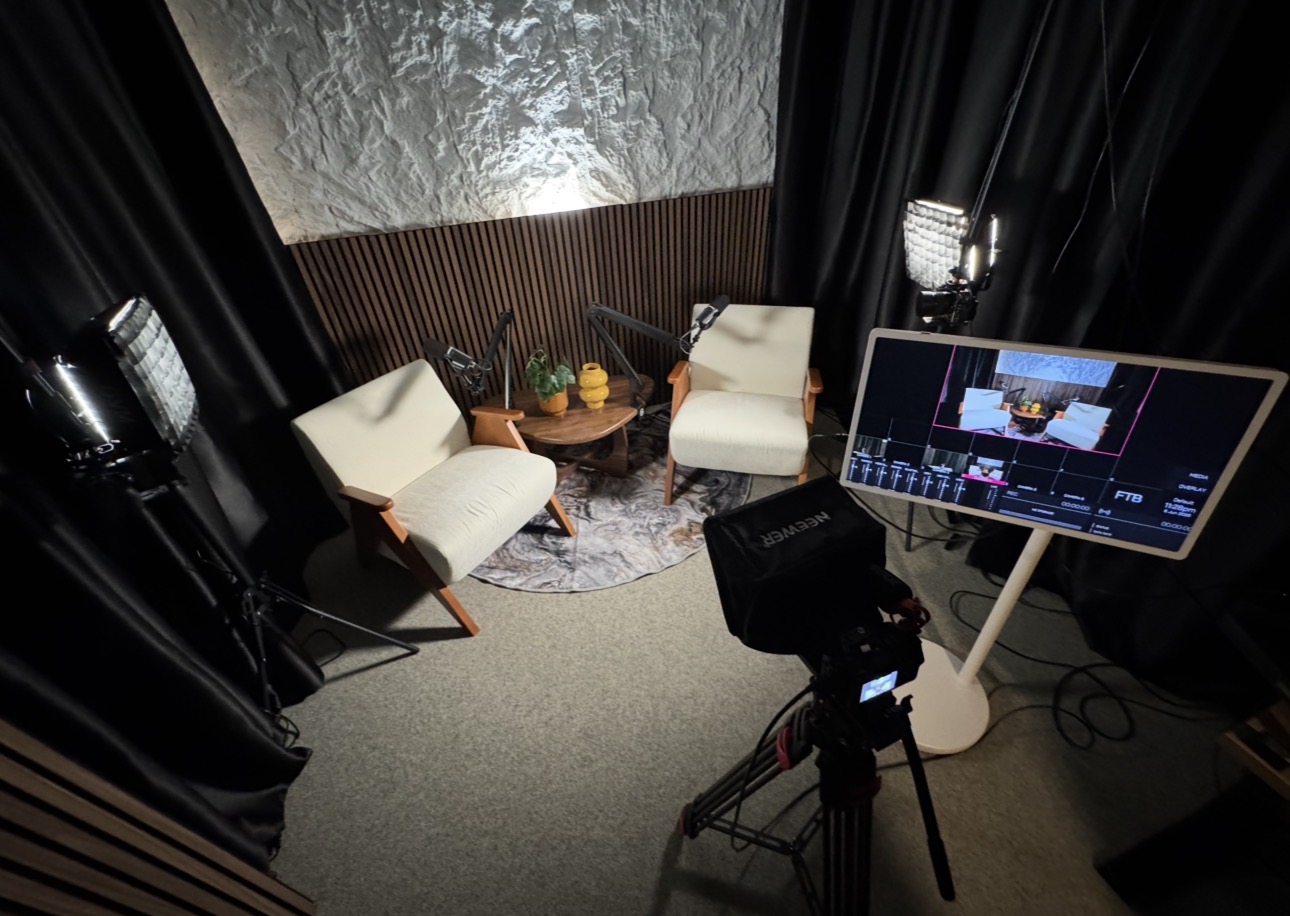
How to prep a guest for a video podcast: guest seated at the round table in San Francisco
The guest chair, ready before arrival

Session day

The arrival flow, minute by minute.

01

T minus 15 · Door and drink

Guest arrives, host meets them at the elevator, coffee or water in hand within two minutes. The host does the greeting; the engineer stays background until the seat.

02

T minus 10 · Seat and mic

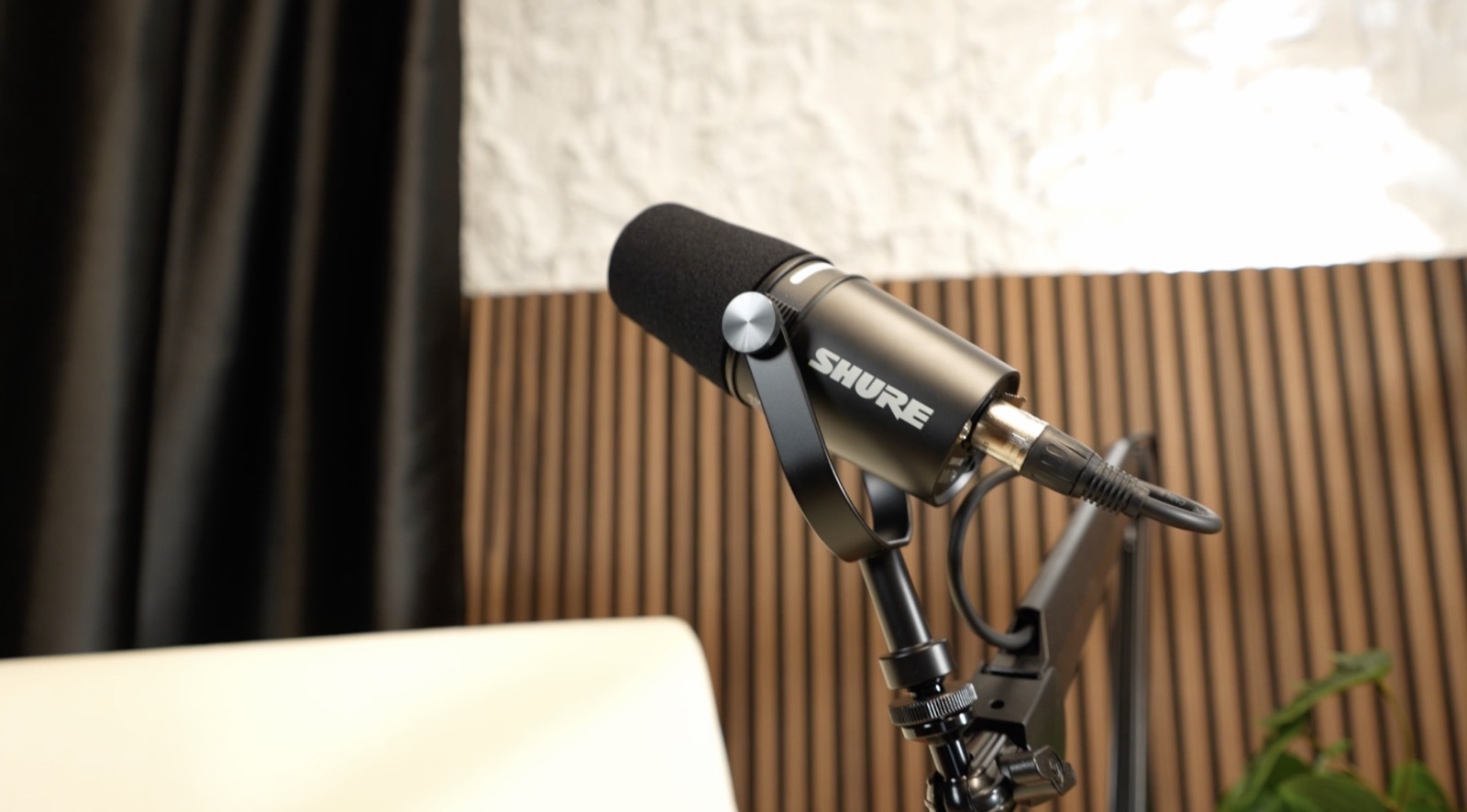
The engineer seats the guest, sets the Shure broadcast mic, and clips levels while the host keeps talking about anything except the episode. Gear talk raises nerves; small talk lowers them.

03

T minus 5 · Frame and glasses check

Cameras get framed, lighting adjusted for glare, a ten-second playback shown if the guest wants to see themselves. Most relax visibly once they see the shot looks good.

04

T minus 2 · Roll early

Cameras and audio roll before the "official" start, with the guest told plainly that everything is trimmable. The warm-up chat regularly produces the best clip of the episode.

05

T zero · Start with a gift

Open with the question your guest most enjoys answering, the one they light up about at dinner. Confidence in minute one carries the whole hour.

Guest and host seats at the round table on the video podcast set with broadcast mics in San Francisco Shure broadcast microphone set for a podcast guest before recording Guest chair · 50 Francisco St

Comfort cues during the recording

Once rolling, the host's job is reading the guest. Three cues we coach:

  • Short answers mean nerves: slow down and ask about a story, a specific day, a specific decision
  • A guest glancing at the cameras needs eye contact from you, held a beat longer than usual
  • The best follow-up is silence: two seconds of it, and guests fill the space with the honest version
Book the interview set

Remote guests get prep too

When the guest joins from another city, the same playbook applies with two swaps: the wardrobe note gains a line about sitting near a window, and the arrival flow becomes a 10 minute tech check the day before. In our studio, remote guests dial into the broadcast room and land in the switched feed next to your on-set cameras, with the engineer managing the call.

After the session: close the loop

Send a thank-you within 24 hours, the publish date when it firms up, and share-ready clips the day the episode goes live. With episode editing at $595 the 3 social clips are included, so every guest becomes a distribution channel. Guests who get assets share; guests who get a bare link mean to and forget.

Guest prep FAQ

Questions hosts ask us.

What should I send a podcast guest before recording?+

One short email five days out: the episode angle in a sentence, three anchor questions, logistics in one block, two lines of wardrobe guidance, and what assets they get to share. Keep it under 200 words so it actually gets read.

What should podcast guests wear on camera?+

Solid mid-tone colors. Skip fine stripes, small checks, busy logos, and pure white: fine patterns moire on 4K sensors and white blows out under studio light. Glasses are fine, since the engineer angles the lights to remove glare.

How early should a guest arrive at the studio?+

15 minutes. That covers the greeting, mic and levels, a framing check, and a couple of minutes of warm-up chat before the first question. The room itself is pre-lit and checked before anyone walks in.

Can my guest join remotely?+

Yes. Remote guests dial into the broadcast room and appear in the live-switched feed alongside your in-studio cameras, with clean audio recorded for every participant and the engineer managing the call.

Give your guests the good room.

Prep a guest for a video podcast in the good room: engineer on mics and framing, files on your drive the same day.

or call/text (510) 244-8537